
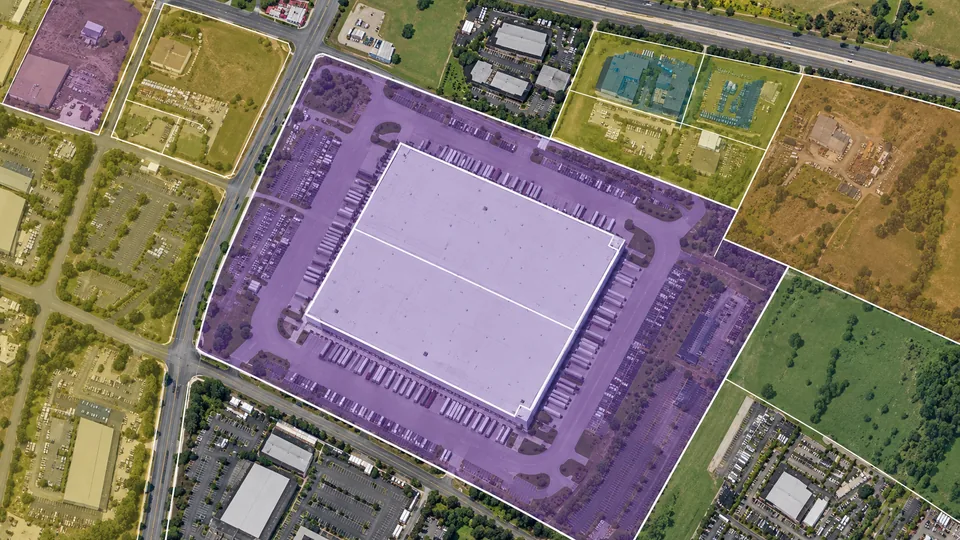
Zoning
Review the property’s designation and surrounding land uses.
Screen industrial properties with parcels, zoning, roads, and environmental maps in the CRE Suite.
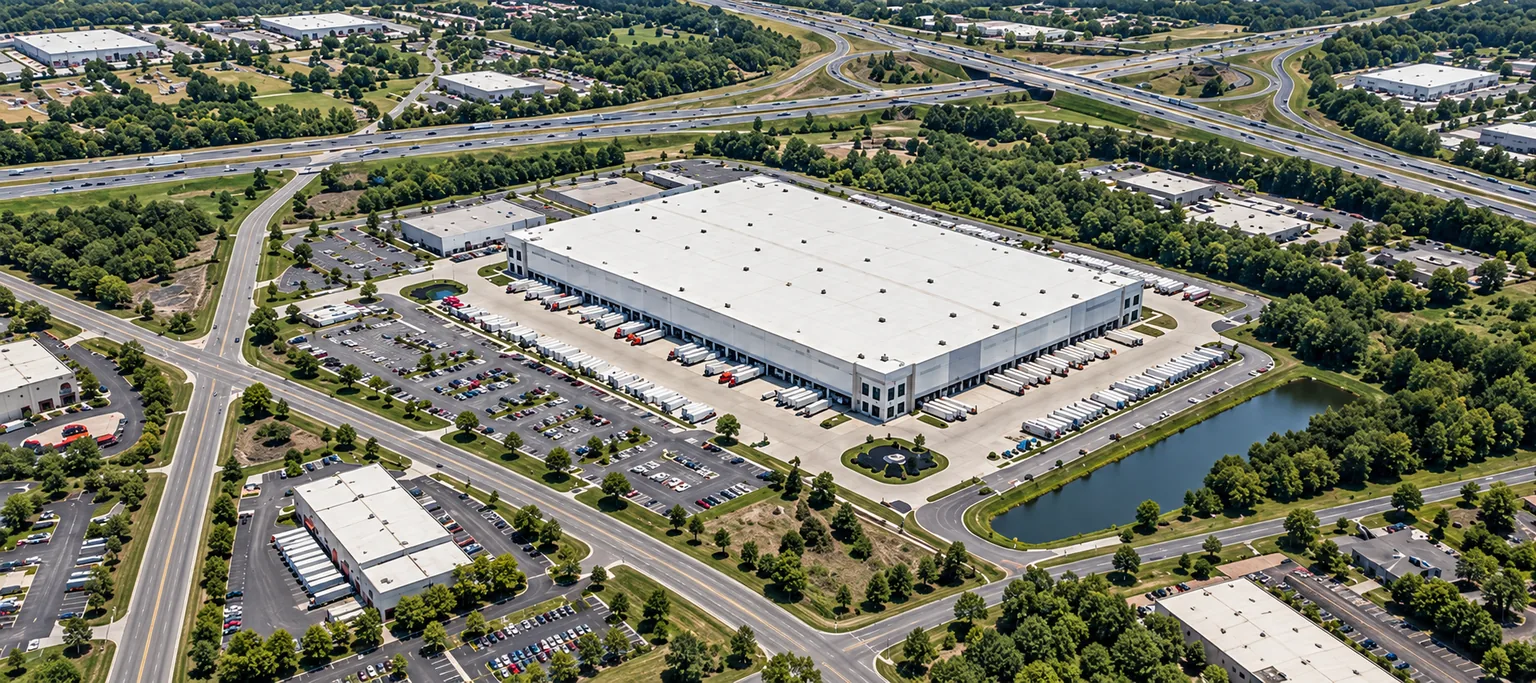
See nearby highways and connecting roads.
Review infrastructure context around the site.
Confirm utility availability and capacity during diligence.
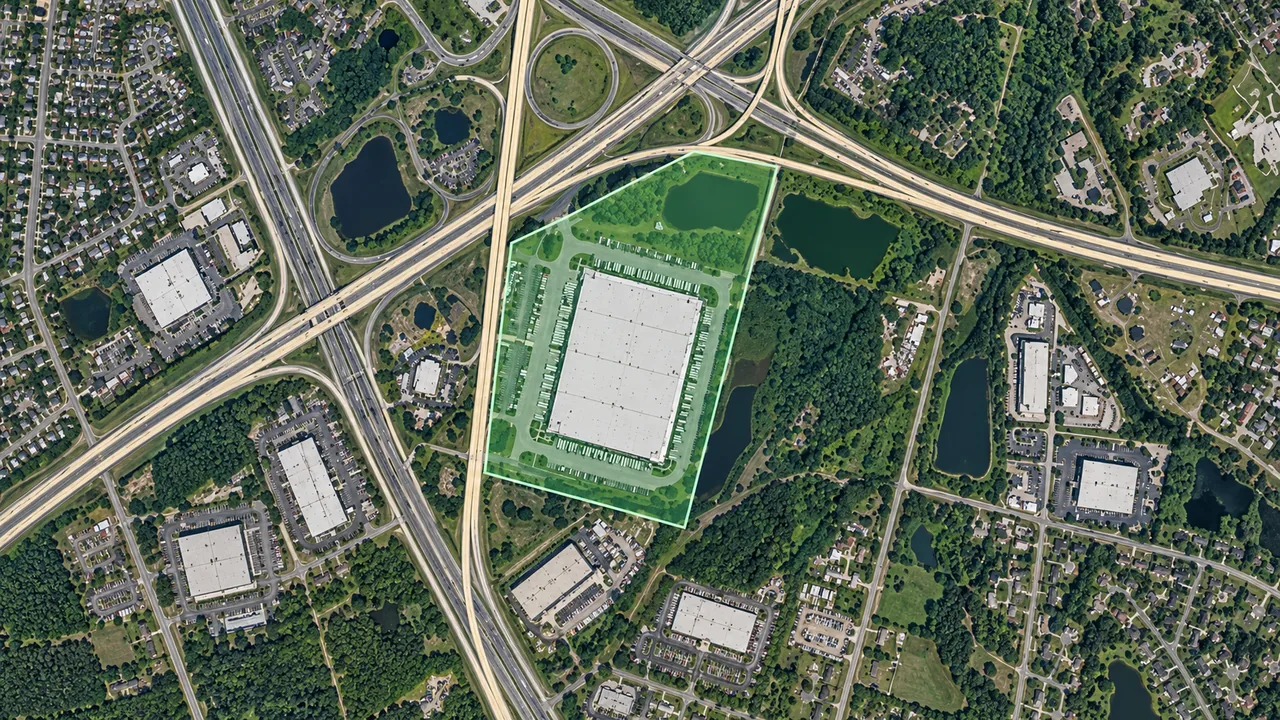
Review ownership, zoning, and environmental context before shortlisting a property.
Review the property’s designation and surrounding land uses.
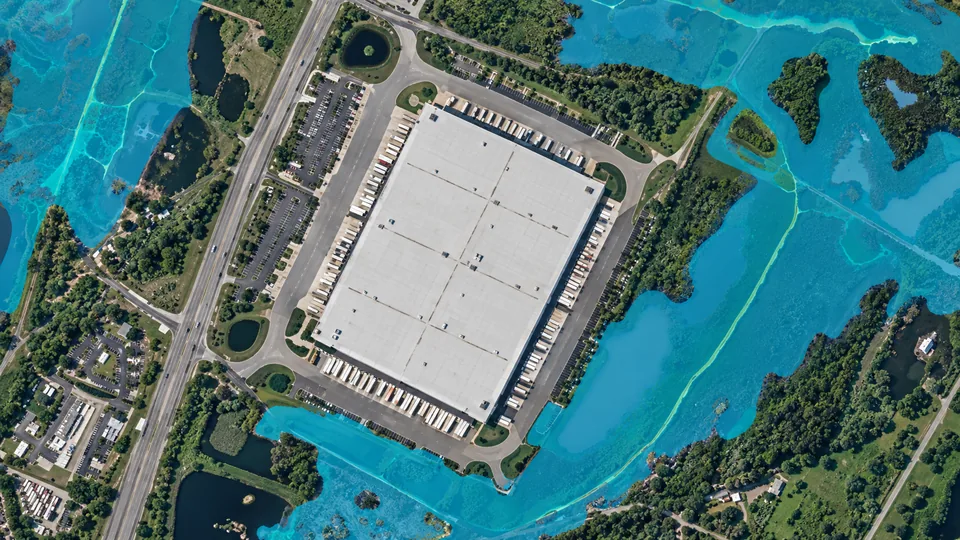
View FEMA flood maps and wetlands alongside the candidate property.
No. Mapped context does not establish utility availability, connection costs, or capacity. Confirm your operation’s requirements with providers and qualified advisers.
Yes. Review zoning information alongside parcel records and surrounding map layers in The CRE Suite. Save the property with notes about the use your team is considering.
Yes. Bring FEMA flood maps and wetlands into your early property review. View those layers alongside parcels, roads, and zoning to organize the site research in one workflow.
Keep site research and acquisition follow-up connected in The CRE Suite.