
Find your next multifamily site.
Compare neighborhoods, research properties, and keep acquisition opportunities connected in the CRE Suite.
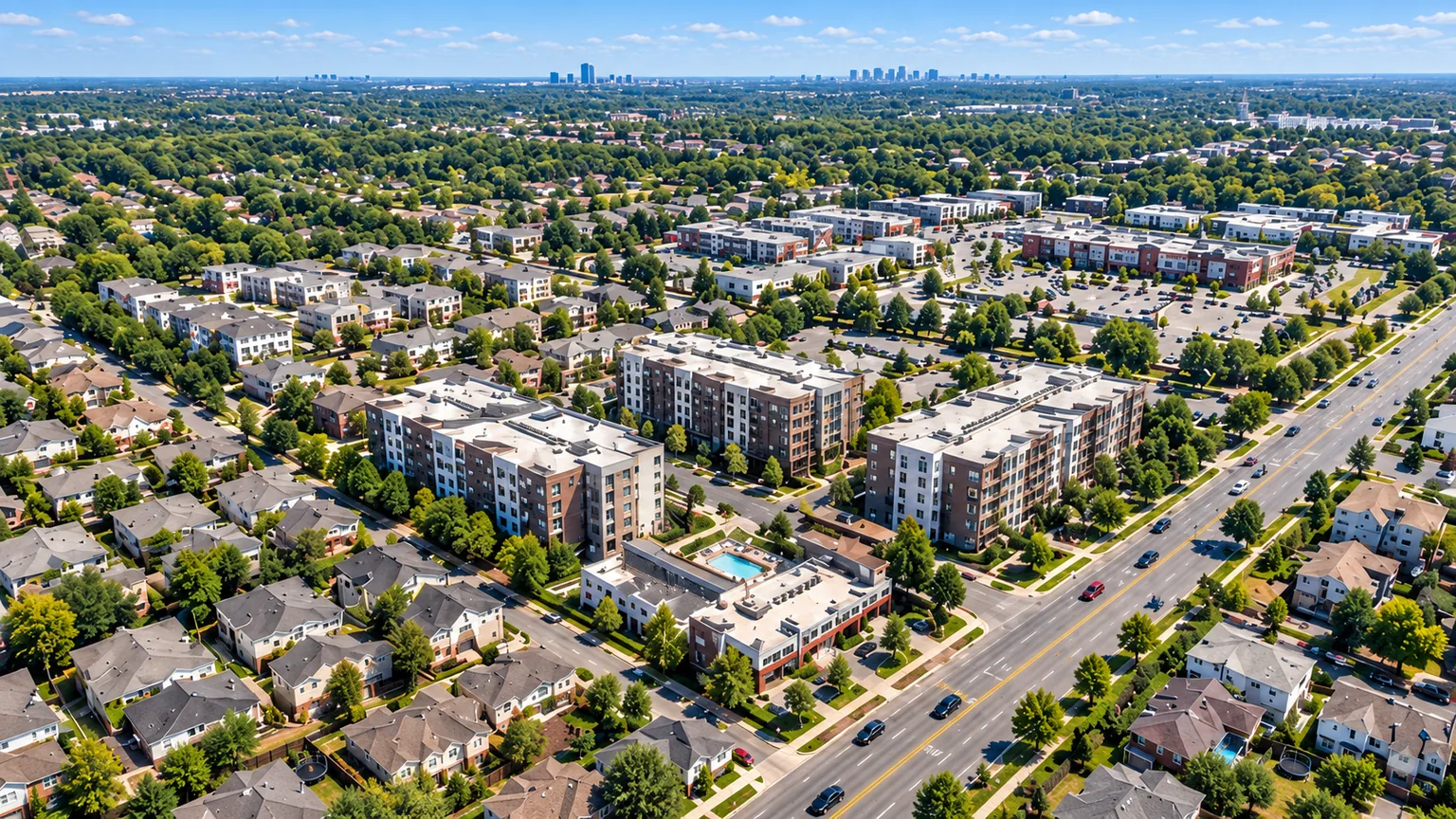
Understand the neighborhood.
Explore the people
Review population, households, income, and housing around candidate sites.
Read the surrounding uses
Explore surrounding businesses, roads, and neighborhood land uses.
Compare areas consistently
Use matching geographic boundaries when comparing markets.
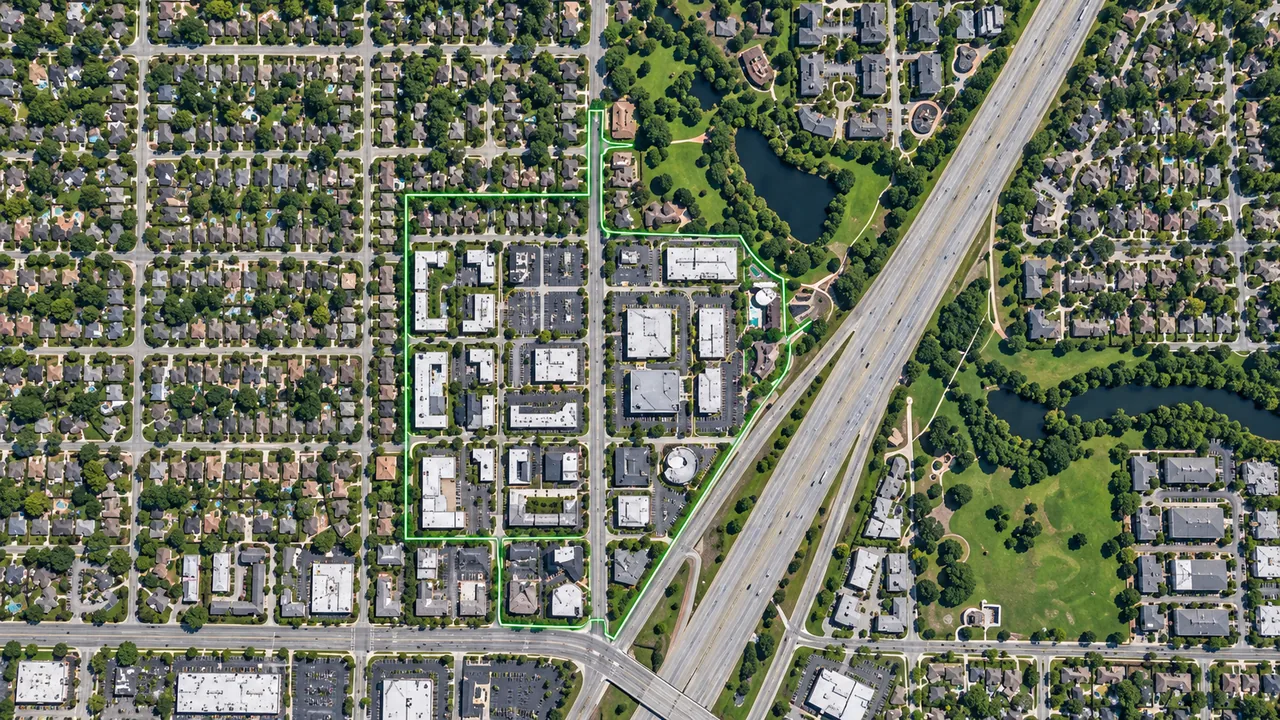
Research the property.
Parcel and ownership
Explore mapped boundaries and recorded ownership for each candidate.
Zoning and site conditions
Review zoning, flood maps, and wetlands as part of preliminary site screening.
Notes and next steps
Save property observations and next steps in your acquisition pipeline.
Frequently asked questions.
Do demographics establish rental demand?
Demographics help describe an area. They do not establish achievable rents, occupancy, or demand for a particular property. Those questions need additional market and property diligence.
Can I research development sites?
Yes. Combine neighborhood context with parcels, zoning, and environmental maps for preliminary screening. Save the sites that interest your team and track them alongside other acquisition opportunities.
Can I organize acquisition research?
Yes. Save properties, capture notes, and track opportunities in The CRE Suite. Keep the questions raised by neighborhood research connected to each property as diligence continues.
Build your multifamily shortlist.
Research neighborhoods and pursue property opportunities in The CRE Suite.