
Real estate acquisition software.
Source properties, research sites, and manage your acquisition pipeline in one CRE workspace.
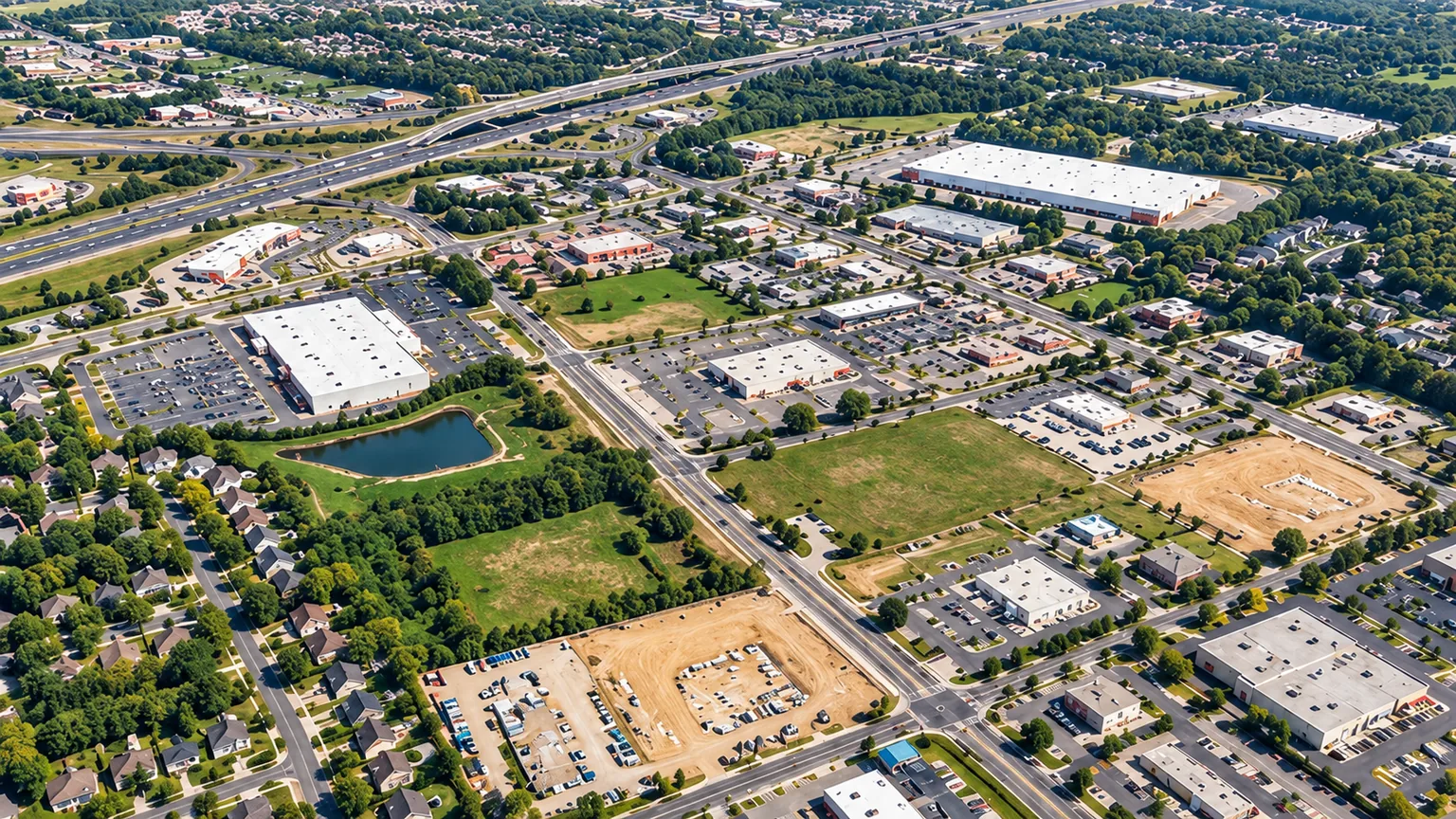
From first look to next step.
Find
Save properties that fit your target markets and acquisition criteria.
Analyze
Review ownership, zoning, traffic counts, flood maps, and wetlands.
Manage
Keep owner conversations, property notes, and next steps connected.
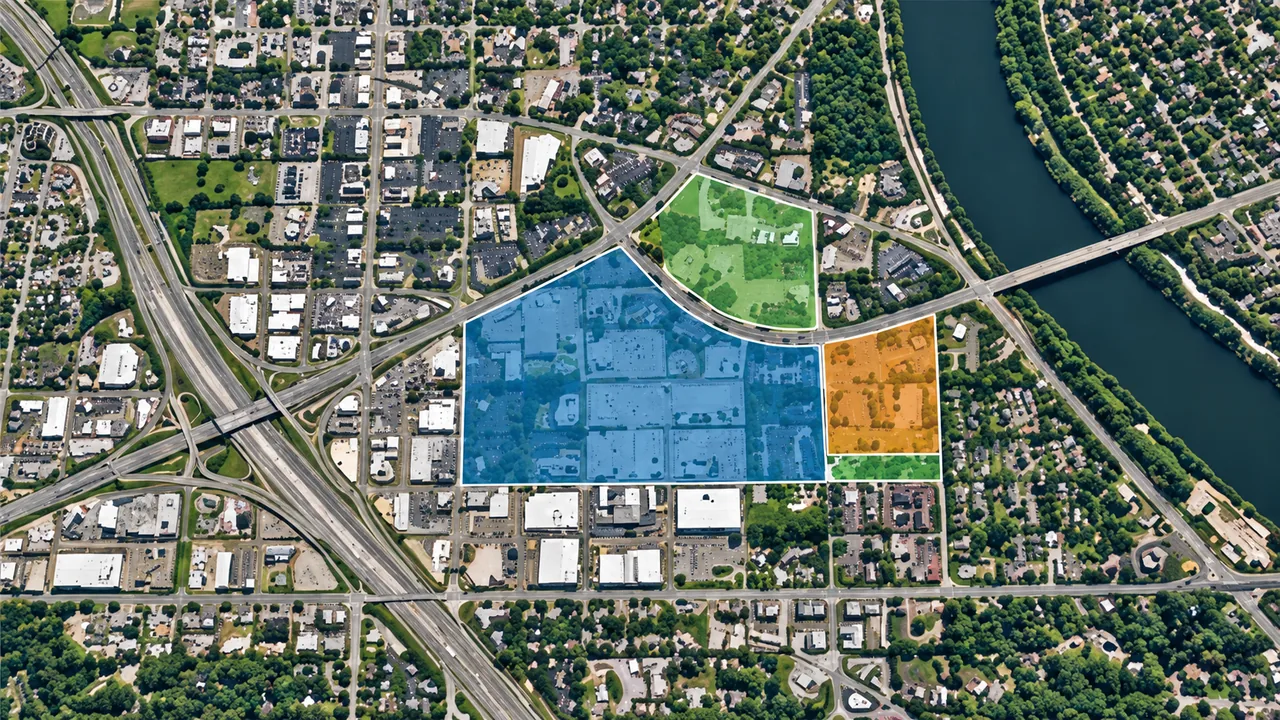
Keep the property in view.
Parcel records
Review mapped boundaries and recorded ownership.
Market context
Explore nearby demographics, businesses, and roads.
Team handoffs
Save research and follow-up notes with each opportunity.
Frequently asked questions.
What can I keep with an opportunity?
Save properties and maintain research notes in the property CRM and acquisition pipeline. Use them to retain observations, questions, and context from your ongoing acquisition work.
Does the research replace diligence?
No. The CRE Suite helps organize preliminary research and opportunities. Verify property records, local requirements, site conditions, and transaction details through your usual diligence process.
Can I use this across property types?
The Find, Analyze, and Manage workflow supports geographic property research across industries. Adapt your notes and follow-up questions to the property type and your team’s acquisition criteria.
Build your acquisition pipeline.
Find, analyze, and manage opportunities in The CRE Suite.