
Find your next development site.
Find land and screen ownership, zoning, and environmental context in the CRE Suite.
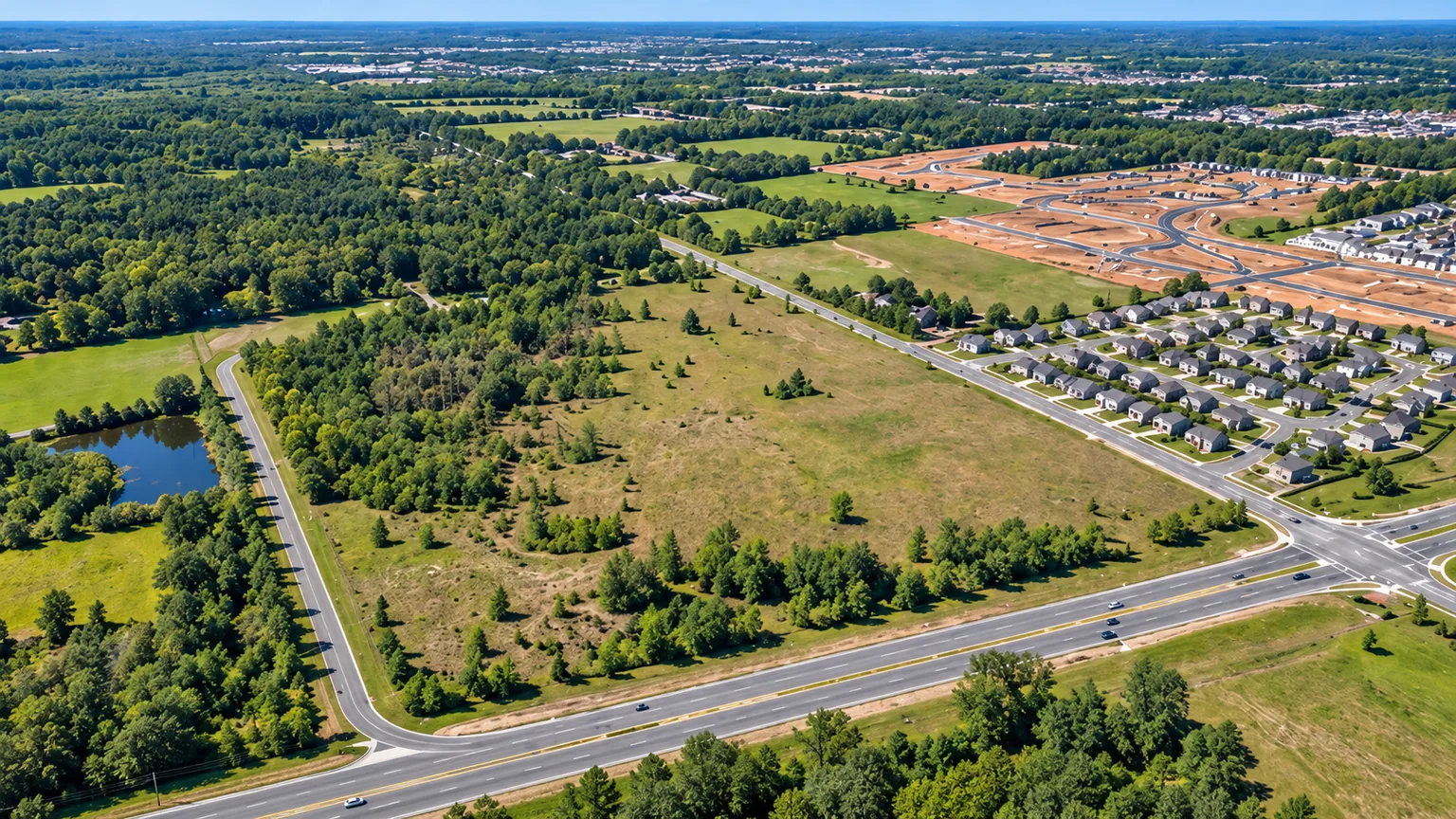
Build your land shortlist.
Find a tract
Explore land and neighboring parcels in your target area.
Screen the site
Review ownership, zoning, roads, FEMA flood maps, and wetlands.
Save a shortlist
Keep proposed uses, property notes, and next steps together.
Read the land in context.
Site conditions
Screen flood maps and wetlands around the parcel.
Roads and infrastructure
Explore surrounding roads and mapped infrastructure.
Buildability
Confirm site suitability through property-specific diligence.
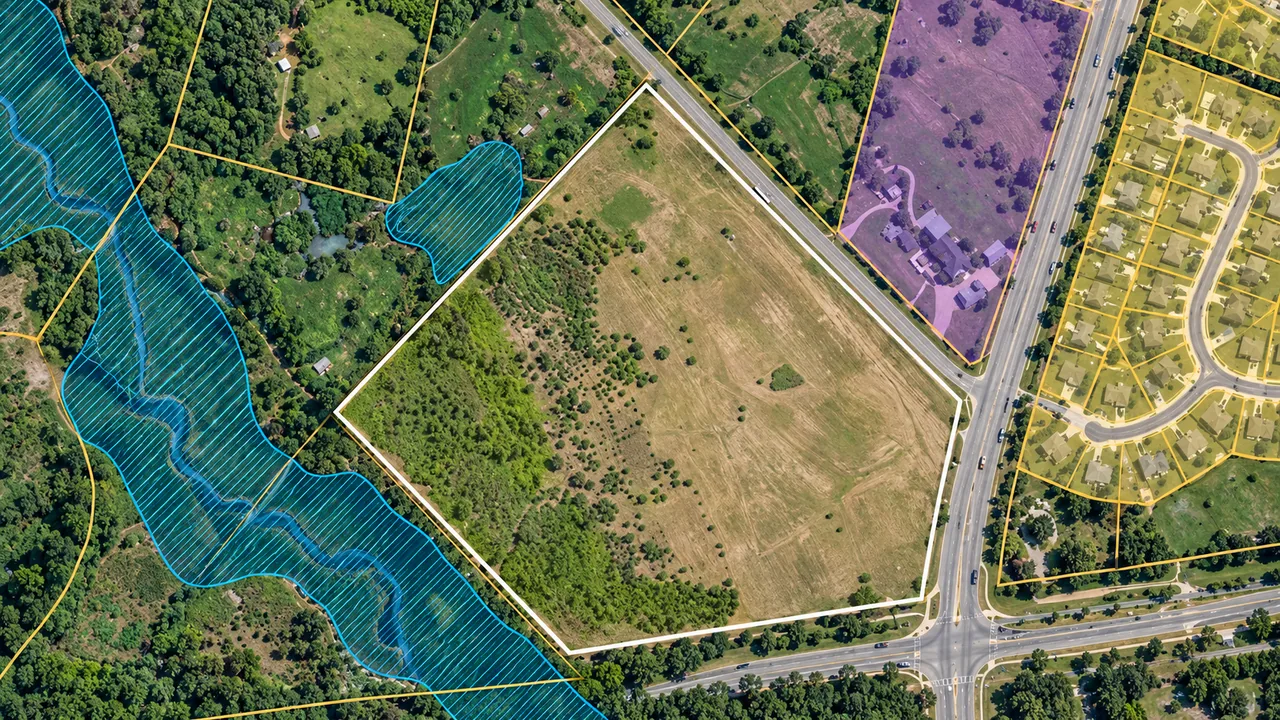
Frequently asked questions.
Does a map show whether land is buildable?
No. Map layers support preliminary screening. Buildability requires property-specific diligence, including local rules, access, utilities, environmental conditions, and professional review.
Can I research adjoining parcels?
Yes. Explore parcel boundaries and ownership records around a candidate site to understand the neighboring lot pattern. Keep your observations with the saved property as your research progresses.
Where does zoning fit in?
Bring zoning into the initial site screen alongside roads, parcel records, and environmental context. It helps your team organize the research for each candidate around the proposed project.
Focus your land search.
Research candidate tracts and organize your shortlist in The CRE Suite.